
We may earn a commission when you buy through links on this page, at no extra cost to you. It never decides what we recommend. How we make money
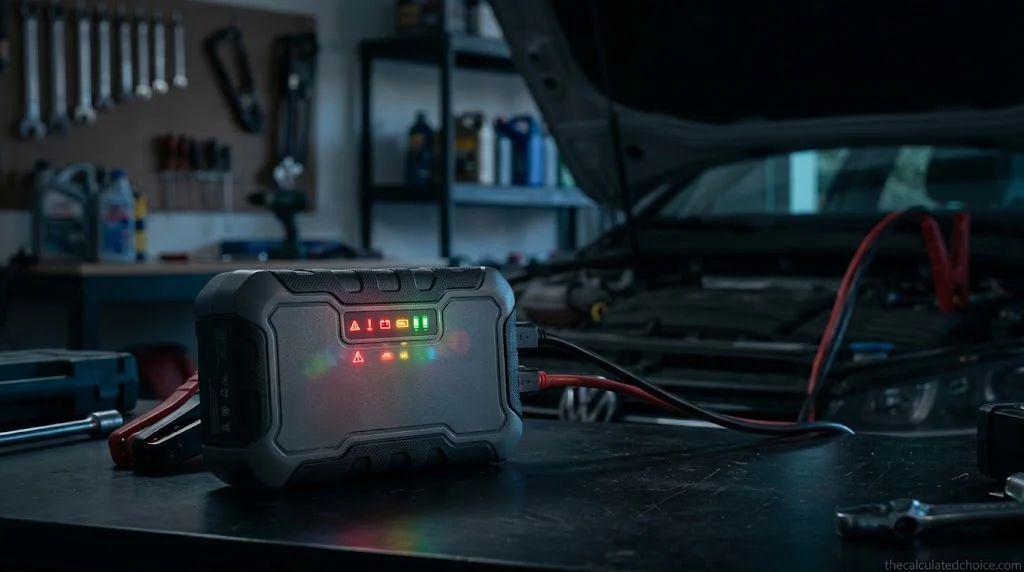
A jump starter error light almost never means the pack is broken. On most portable jump starters, a red light or a beep is the safety system doing its job: it found a backward clamp, a battery too flat to detect, or a pack that got too hot, and it refused to send power until you fix it.
This guide is for US drivers standing next to an open hood with a pack that is blinking at them. We went through the manuals for six common brands, NOCO, Clore Jump-N-Carry, Battery Tender, AstroAI, DeWalt and Black+Decker, and lined up what each light, color and beep means. You will learn what the light is telling you, what to do next, and the one case where a light does mean it is time to stop.
What a jump starter error light means
- Solid red On most packs, the clamps are on backward (reverse polarity). Disconnect and swap them.
- Blinking red On NOCO Boost packs, the internal battery is too hot. Let it cool. On Clore, red with flashing charge lights means overvoltage or a short.
- Flashing green or no light Usually the car battery is too flat for the pack to detect, below about 2V on NOCO and 1 to 5V on Clore. Check the clamps, then use override only as the manual allows.
- Beeping Most often reverse polarity, a low pack, or overheating. The beep pattern tells you which.
Jump starter error light meanings by brand
Every maker uses its own colors, so the same light can mean different things on different packs. This table puts the same five problems side by side, in each maker’s own terms. Find your brand’s column and read down.
| Problem | NOCO Boost (GB20, GB40) | Clore JNC305 | Battery Tender 600A | AstroAI S8 |
|---|---|---|---|---|
| Connected correctly | Boost LED white | Boost Status LED solid green | Clip light solid green | Clamp light solid green |
| Clamps on backward | Error LED solid red | Solid red plus an alarm | Solid amber with rapid beeps | Clamp light solid red |
| Car battery too flat to detect | Boost LED stays off (below 2V) | Green flashing (1V to 5V) or no light (below 1V) | Not described in the manual | Clamp light flashing green |
| Pack too hot | Error LED blinking red | Not described as a light | Flashing amber with slow beeps | Shuts down for a few minutes |
| Short circuit or overvoltage | Not described as a light | Red plus all charge LEDs flashing | Rapid beeps (short); continuous buzzer (overvoltage) | Not described |
Sources: NOCO’s GB20 how-to page and GB40 user guide, Clore’s JNC305 manual, Battery Tender’s 600A manual and AstroAI’s S8 manual. “Not described” means we could not find that signal in the maker’s manual, not that the pack lacks the protection.
What a red light on a jump starter means
Red is the color most makers use for “stop,” but solid and blinking red usually mean different things.
Solid red: the clamps are on backward
On NOCO, Clore and AstroAI packs, a solid red light means reverse polarity: the red clamp is on the negative side or the black clamp is on the positive post. Clore adds an alarm, and Battery Tender signals the same problem with solid amber and rapid beeps. The fix is the same everywhere: disconnect both clamps, then reconnect red to the positive (+) terminal first and black to the negative terminal or the ground point your manual names. Our guide on how to use a jump starter walks through the full sequence.
Jump starter flashing red: heat, a short or overvoltage
A blinking or flashing red light is less about the clamps and more about the pack’s own safety limits:
- NOCO Boost: the Error LED blinks when the internal battery is too hot. NOCO’s fix is to let the unit cool and move it somewhere cooler. NOCO also says thermal sensors stop the pack from working outside its −4°F to 122°F operating range.
- Clore JNC305: a red Boost Status LED with all four charge LEDs flashing means overvoltage (slow flash) or a short circuit in the vehicle connection (fast flash). Clore says to disconnect immediately and correct the problem. A slow red flash, four seconds on and two off, means the pack has locked itself out to protect you from an unsafe condition.
- Battery Tender 600A: flashing amber with a slow beep means overheat protection. Let it cool before you try again.
Flashing green or no light: the car battery is too flat
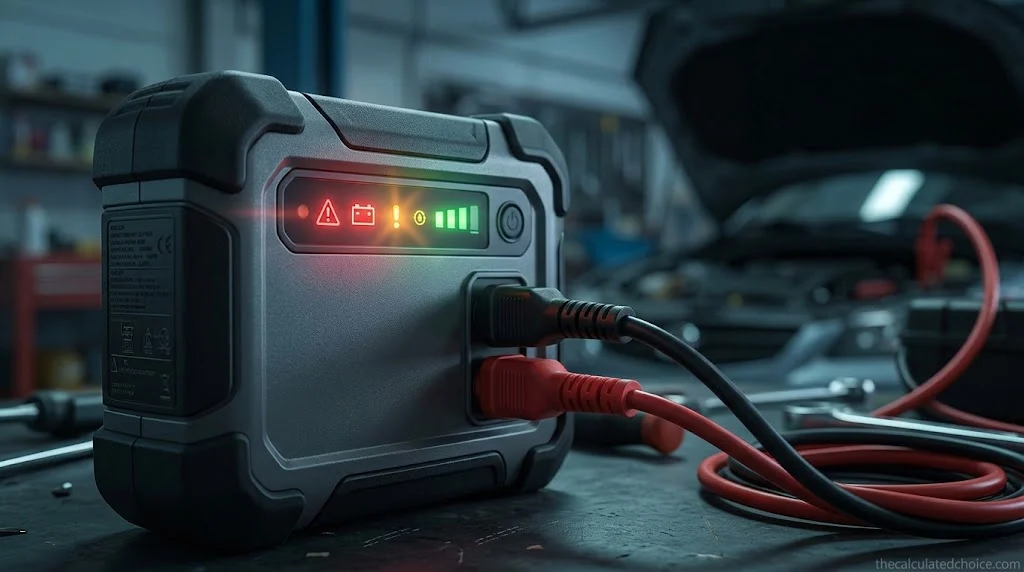
The most confusing case is a pack that seems to do nothing. Smart jump starters wait until they can detect a battery before they send power, which is what makes them spark-proof. When a car battery is drained almost to zero, the pack cannot see it, so it stays dark or keeps flashing. NOCO’s Boost packs need at least about 2 volts. Clore’s JNC305 flashes green between 1 and 5 volts and does not activate at all below 1 volt. AstroAI’s S8 flashes green on its clamp when the car battery voltage is low.
Before you assume the battery is that flat, rule out a bad connection. Reseat each clamp so its teeth bite into clean metal, and remove any loads, such as lights left on, as NOCO suggests. AstroAI’s troubleshooting section also points to rust or dirt on the battery terminals.
If the connection is good and the light still says the battery is too low, most packs offer a manual override or boost button. NOCO’s needs a three-second press and flashes its Boost LED white while active. Clore’s manual says to hold its button for more than three and less than ten seconds, and warns that override removes all safety from the unit. AstroAI says to press Boost only when the clamp flashes green, then wait for solid green and start the car within 30 seconds.
Jump starter flashing red and green: what it means
Red and green lights flashing in turn usually come from a smart clamp, the small box on the cable between the pack and the clamps. On these clamps, alternating red and green is not an error. It is the standby signal: the cable is plugged into the pack and waiting to sense a car battery. The Buture BR800 manual, the Suaoki U3 manual and the BiUBLE JS002 manual all describe it the same way, as ready to move on to the next step.
Once the clamps are on the battery, the light should change to solid green, and the Suaoki and Buture manuals say to start the car within about 30 seconds. If it keeps flashing red and green after you connect, the clamp has not recognized the battery yet. Check these three things in order:
- Clamp contact. Reseat each clamp so its teeth bite into clean, bare terminal metal, not a bolt head, paint or corrosion.
- A very flat battery. Some clamps cannot sense a battery that is close to empty. Use the boost or override button only if your manual allows it, and follow its exact steps.
- A battery that is not actually flat. The Suaoki U3 manual says the lights keep alternating when the car battery’s voltage is too close to the pack’s. Its fix is to switch on the headlights for a moment to draw the battery down slightly, then connect again. If the car still will not crank, the battery may not be the problem at all.
| Smart clamp light | What it usually means | What to do |
|---|---|---|
| Red and green flashing in turn | Standby, waiting to sense a battery | Connect the clamps to the battery |
| Solid green | Connected correctly and ready | Start the car within about 30 seconds |
| Solid red | Clamps reversed or touching each other | Disconnect, fix polarity, keep the jaws apart |
| Slow red flash | Battery is above about 12.6V (Buture, BiUBLE) | No jump needed; look for another cause |
| Fast red flash | Clamp module above about 149°F (Buture, BiUBLE) | Unplug and let it cool |
| Slow green flash | Jump starter pack is low (Buture, BiUBLE) | Recharge the pack |
The brand packs in the table above use their own light patterns, so check the row for your brand first. If your clamp is not one of these, the same idea usually applies, but your own manual has the final say.
Jump starter red light beeping: what the alarms mean
Beeps carry more information than most people realize, because the pattern changes with the problem. Here is how the makers we checked use sound:
| Brand | Sound | Meaning | What to do |
|---|---|---|---|
| Battery Tender 600A | Solid amber, slow beep | The jump starter’s own pack is below 14V | Recharge the jump starter |
| Battery Tender 600A | Solid amber, continuous buzzer | Above 17.5V at the clips | Disconnect; check it is a 12V system |
| Battery Tender 600A | Solid amber, rapid beep | Reverse polarity or short circuit | Disconnect and reconnect correctly |
| Battery Tender 600A | Flashing amber, slow beep | Overheat protection | Let it cool |
| Clore JNC305 | Solid red with alarm | Reverse connection | Disconnect immediately and swap |
| DeWalt (LCD models) | Continuous alarm with flashing +/− icons | Reverse polarity | Disconnect until the alarm stops |
| DeWalt (LCD models) | Two-second alarm every 10 seconds | The clamps are touching | Separate them at once |
| Black+Decker (switch models) | Continuous beep with reverse polarity light | Clamps on backward | Do not switch the unit on; reconnect |
The DeWalt rows come from the manual for its DXAEPS14 power station, and the Black+Decker row from its J312B quick start guide, both older-style boxes with a power switch. DeWalt’s manual also lists a flashing Fault Icon for USB, AC and compressor faults, and an alarm with a flashing jump starter icon when thermal protection trips, with 10 to 30 minutes to cool. On switch-style boxes the rule is simple: if the reverse polarity alarm sounds, do not turn the switch on.
NOCO Boost error light: solid red, blinking red and how to reset it
NOCO’s Boost packs are among the best-selling jump starters on Amazon, and their lights get searched more than any other brand’s. Here is the full set from NOCO’s GB20 how-to page and the GB40 user guide:
| NOCO light | What it means | What to do |
|---|---|---|
| Power LED white | The unit is on | Nothing; you are ready to connect |
| Error LED solid red | Reverse polarity | Reverse the battery connections |
| Error LED blinking red, cables connected properly | Internal battery too hot | Let it cool; move it somewhere cooler |
| Boost LED white | Boost is active | Start the vehicle |
| Boost LED off, cables connected properly | Car battery below about 2V | Remove loads and retry, or use Manual Override |
| Boost LED flashing white | Manual Override is active | Keep the clamps apart; safety protection is off |
| Charge LEDs pulsing, then solid | The pack is charging | Leave it until the green 100% LED stays on |
How to reset a NOCO Boost. NOCO’s own instructions say to power the unit off and back on to reset it. If the Error LED is blinking because of heat, a reset will not help until the battery cools. If the pack blinks red while you are charging it, the likely cause is the same: NOCO says to recharge only between 32°F and 104°F and to let a hot battery cool before you plug it in.
Lights that show up while the pack is charging
Some error lights have nothing to do with the car. They appear when you plug the jump starter in to recharge it. Clore’s JNC305 flashes all four charge LEDs at once when it is too cold or too hot to charge, outside 32°F to 108°F, and starts charging once it is back in range. If its first charge LED blinks rapidly, the pack is nearly empty and needs charging right away. NOCO’s charge LEDs pulse and then turn solid as the pack fills, and its green 100% light pulses from time to time during maintenance charging.
If the lights never progress, or the pack will not take a charge at all, work through our guide to why a jump starter won’t charge, which covers chargers, cables, temperature and worn-out batteries.
The four-step light check before you call it broken
We built this check from the manuals above. It follows the order in which most packs test things, so each step rules out the most common cause before you move on.
| Step | What you see | Most likely cause | Next move |
|---|---|---|---|
| 1. Before connecting | Pack won’t power on, or shows a low-charge warning | The jump starter itself is flat | Recharge it before anything else |
| 2. Clamps on, pack on | Red, or amber with beeps | Reverse polarity, short or overheating | Disconnect, fix polarity or let it cool |
| 3. Clamps on, no ready light | No light, or flashing green | Bad clamp contact or a battery below detection voltage | Clean and reseat clamps, remove loads, then consider override |
| 4. Ready light on, engine won’t crank | Green or white light, starter does not turn | Pack too small, cold, or a problem beyond the battery | Follow your pack’s rest time, then check for a starter or fuel problem |
Step four matters because a ready light is not a guarantee the engine will start. Clore says to crank no longer than 6 seconds and rest 3 minutes, NOCO allows five attempts in 15 minutes before a 15-minute rest, and DeWalt’s manual says to crank in 5 to 6 second bursts. If the engine still won’t turn over after the recommended tries, stop and look for a problem a jump starter can’t fix.
Jump starter error lights: myth vs fact
| Myth | Fact |
|---|---|
| A red light means the jump starter is broken. | On most packs it means the clamps are reversed or the pack is protecting itself. It is the safety system working. |
| Override is the fix when the light won’t turn green. | Override switches the protections off. Check the clamps and loads first; NOCO and Clore reserve it for a battery too low to detect. |
| Every brand uses the same colors. | Flashing green means “press boost” on an AstroAI S8 and “not connected” on a Battery Tender 600A. |
| If the clamps touch, the pack will spark. | NOCO says nothing happens unless a battery is detected or Manual Override is on. In override, the clamps must never touch. |
| A green light means the car will start. | It only means the connection is right. A failed starter, a fuel problem or a pack that is too small can still stop the engine. |
When an error light means your jump starter is bad
Most error lights clear once you fix the connection or let the pack cool. A few signs point to the pack itself:
- It won’t charge or hold a charge. Charge lights that never climb, or a full pack that is empty a week later, suggest a worn internal battery.
- The same fault returns on a known-good connection. If a pack throws a reverse polarity or short warning on a healthy battery with clamps you have checked twice, contact the maker.
- It was dropped, damaged or is leaking. Clore says to have the unit checked by a qualified service person after a sharp blow or other damage, and to take a leaking unit to a battery recycler rather than ship it. Clore also says not to use a battery pack that is damaged or modified, and a swollen or cracked case is damage.
If your pack is past saving, our best motorcycle jump starter guide compares packs by the battery types each maker allows, and the same fine-print checks apply when you shop for a car. And if you are worried a fault may have hurt the car itself, read can a jump starter damage your car. Working in wet weather? Our guide on whether you can jump start a car in the rain shows which packs are rated for it.
Frequently asked questions
What does the red light on my jump starter mean?
What does it mean when the lights on my jump starter are blinking?
How do I reset my jump starter?
Why won’t my jump starter light turn green?
Why is my jump starter beeping?
Why does my NOCO Boost flash red when charging?
How can I tell if my jump starter is bad?
Why is my jump starter flashing red and green?
How we researched this guide
To decode jump starter error lights, we read the manuals, user guides and support pages for six brands that sell widely in the US and compared how each one signals the same five problems: a good connection, reversed clamps, a battery too flat to detect, overheating, and shorts or overvoltage. Where a maker’s manual does not describe a signal, we say so rather than guess. The four-step light check and the myth-vs-fact table are our own summary of those manuals. We did not hands-on test any product, and no brand paid for or reviewed this article.
Sources: NOCO GB20 how-to and FAQ · NOCO GB40 user guide · Clore JNC305 manual · Battery Tender 600A manual · AstroAI S8 manual · DeWalt DXAEPS14 manual · Black+Decker J312B quick start guide

Researched by Shahzad
Amazon seller who researches products using sales-rank history, price tracking and owner reviews before recommending anything. Read our disclosure.